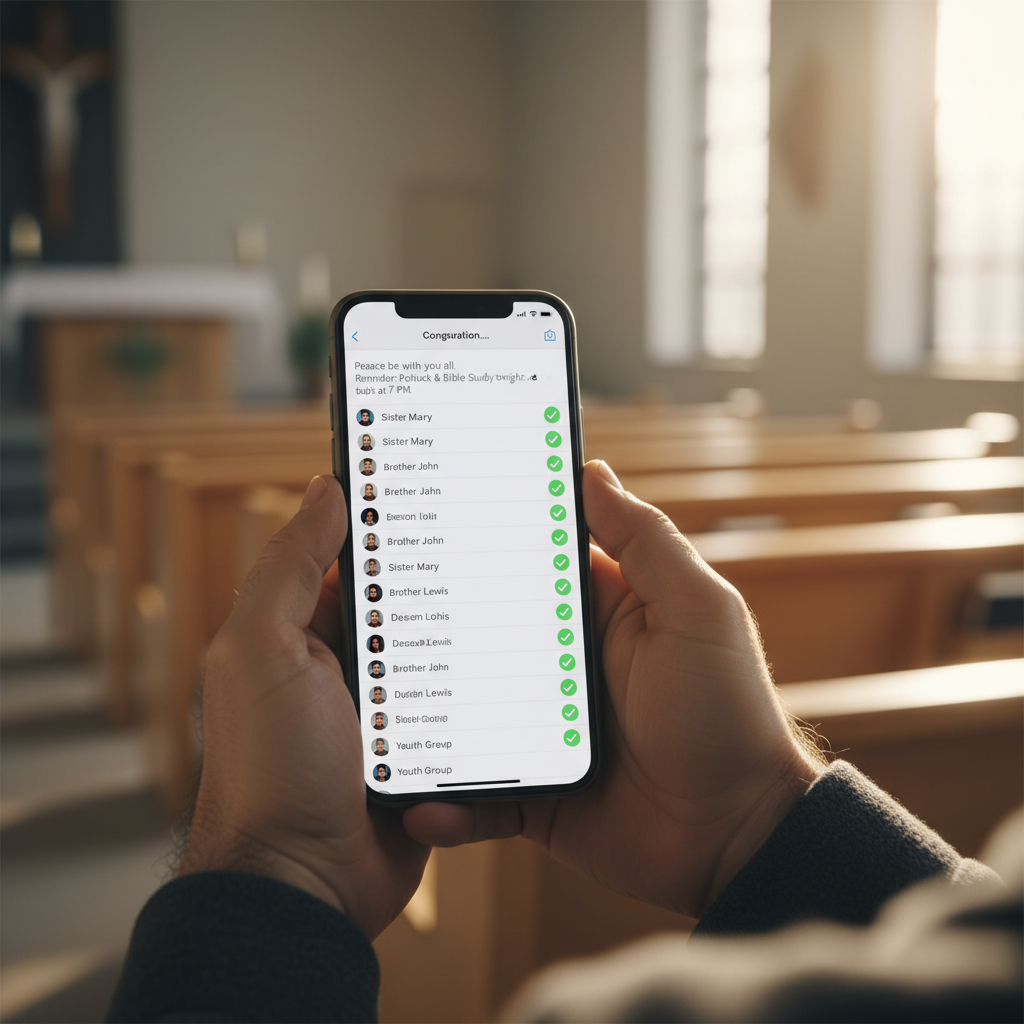
Reaching your entire congregation with a single message should be easy. But for most churches, it's a fragmented, time-consuming process: a Facebook post that 30% of members see, an email that 40% open, a Sunday announcement that visitors miss, and a phone tree that takes all afternoon. The result? Half your congregation never gets the message.
AI message blasts solve this. With the AI Church Assistant platform, you can send personalized voice calls, SMS, and emails to your entire congregation — or a targeted group — in minutes. In this guide, we'll explore how AI message blasts work and why they're transforming church communication.
If you're relying on email alone, you're reaching less than half your congregation. AI message blasts reach everyone — through voice, text, and email — in the time it takes to write a single email.
The Church Communication Problem
Most churches communicate through a patchwork of channels, each with major limitations:
- Email: 40% open rate, 10% click rate — meaning 60% of your congregation never reads your message
- Social media: Algorithm-controlled reach — only 15–30% of followers see any given post
- Sunday announcements: Only reaches those in attendance — misses sick, traveling, and online members
- Bulletin: Only reaches Sunday attendees; 90% throw it away before reading
- Phone tree (manual): A staff member calling 200 people takes an entire day — so it rarely happens
- Church app push: Great for members who have the app, but misses those who don't — learn about church apps
The result: critical messages — event changes, prayer requests, holiday schedules, emergency notifications — reach only a fraction of your congregation. Members feel out of the loop. Attendance drops. Engagement suffers.
What AI Message Blasts Do
The AI Church Assistant platform lets you send a single message across three channels simultaneously — reaching every member through their preferred medium:
AI Voice Calls
- Personalized: Each call addresses the member by name — "Hi Sarah, this is Pastor John from [Church Name]..."
- Natural voice: AI-generated voices sound human, not robotic — choose from multiple voice styles
- Your voice or AI: Record the message yourself, or have AI generate it from text
- Two-way: Recipients can press a button to confirm attendance, leave a response, or connect to staff
- Completion reports: See exactly who answered, who went to voicemail, and who didn't pick up
SMS Text Blasts
- 98% open rate: Text messages are opened within 3 minutes — the highest-engagement channel available
- Personalized: Each text includes the member's name and can include targeted info
- Links: Include links to event registration, giving pages, or your church app
- Two-way: Members can reply — "Yes, I'll be there" or "Praying for you" — and responses route to staff
- Compliant: Built-in opt-out management keeps you TCPA-compliant
Email Blasts
- Detailed content: For messages that need more than 160 characters — newsletters, event details, devotionals
- Branded templates: Emails match your church's branding and design
- Rich content: Images, buttons, links, and formatted text
- Analytics: Open rates, click rates, and engagement tracking
The Power of Multi-Channel Blasts
The real magic happens when you send all three simultaneously. A member might ignore an email, miss a text while driving, but answer a phone call — or vice versa. By hitting all three channels, you ensure your message reaches 95%+ of your congregation, compared to 30–40% with email alone.
- Email-only reach: ~40% open rate
- Email + SMS: ~75% combined reach
- Email + SMS + Voice: ~95% combined reach
Church Use Cases for AI Message Blasts
Event Reminders & RSVPs
"Hi [Name], this is Pastor John reminding you that the Men's Breakfast is this Saturday at 8 AM in the fellowship hall. Press 1 to confirm your attendance." Result: 40% higher attendancethan email-only reminders. See our guide on church app events.
Prayer Request Broadcasts
When an urgent prayer need arises, the AI activates your prayer chain in 60 seconds — calling every prayer team member simultaneously with the request. No more phone tree delays. Every intercessor is praying within minutes.
Holiday & Special Service Announcements
"Hi [Name], we wanted to let you know about our Easter sunrise service at 6 AM, followed by breakfast and our 10 AM celebration service. We'd love to see you there!" A personalized voice message from the pastor makes every member feel personally invited.
Emergency Notifications
Service canceled due to weather? Building emergency? The AI blasts voice + SMS + email to every member in under 5 minutes — ensuring nobody shows up to a canceled service or locked building.
Visitor Follow-Up Campaigns
After a visitor gives their contact info, the AI sends a coordinated 3-touch follow-up: a personal voice call within 24 hours, a text with a "Plan Your Visit" link on day 3, and an email with service info on day 5. Automated, personalized, and 40% more effective than manual follow-up. Learn more about visitor follow-up strategies.
Stewardship & Giving Campaigns
During a building campaign or year-end giving push, the AI sends coordinated multi-channel blasts with giving updates, impact stories, and direct giving links — see our giving platform guide.
Pastoral Care Check-Ins
"Hi [Name], this is [Church Name]. We noticed we haven't seen you in a few weeks and we miss you! Everything okay? Press 1 to leave a message for Pastor John." Automated, compassionate check-ins for members who've disengaged — at a scale no pastoral team could manage manually.
Smart Targeting: Not Everyone Gets Every Message
Not every message is for every member. The AI Church Assistant lets you target specific groups:
- By group: Parents, youth group, volunteers, small group leaders, seniors, new members
- By engagement: Active members, disengaging members, first-time visitors, lapsed members
- By demographic: Age, life stage, campus (for multi-site churches)
- By preference: Members who opted into voice, SMS-only, or email-only
- Custom segments: Any filter you define — "parents of teens who haven't attended in 3 weeks"
Targeted blasts mean members only get messages relevant to them — reducing message fatigue and opt-outs while increasing engagement.
AI Personalization at Scale
The difference between a robocall and a personalized message is night and day. AI message blasts personalize each touch:
- Name: Every message includes the recipient's name — "Hi Sarah..." not "Hi valued member..."
- Context: "We noticed you signed up for the women's retreat..." — references their specific engagement
- Tone: AI adapts tone based on the message type — celebratory for events, compassionate for care, urgent for emergencies
- Voice: Use the pastor's recorded voice for personal touches, or AI-generated voice for scale
Best Practices for AI Message Blasts
- Don't over-blast: 1–2 blasts per month is ideal. More than weekly leads to opt-outs and resentment.
- Reserve voice for important messages: Voice calls feel more personal — save them for pastoral care, major events, and holidays. Use SMS/email for routine communication.
- Always offer opt-out: Every message should include an easy way to stop receiving that channel. Honor opt-outs immediately.
- Respect time zones: Schedule voice calls for 10 AM–7 PM local time. No 6 AM robocalls.
- Keep SMS short: 160 characters or less. Include a link for details, not the full message.
- Test before blasting: Send a test to yourself and 2–3 staff members before blasting to the full congregation.
- Track and refine: Review completion reports after each blast. If voice answer rates are low, shift to SMS for that segment.
- Coordinate with other channels: A blast should complement — not replace — your church app push notifications, social media, and Sunday announcements.
Common Mistakes to Avoid
- Blasting everything to everyone: Not every message is for every member. Use targeting.
- Robocall tone: Generic, impersonal messages feel like spam. Personalize with names and context.
- No opt-out: Forcing members to receive messages they don't want leads to complaints and legal risk.
- Over-reliance on one channel: Email-only misses 60% of your congregation. Use multi-channel blasts.
- Ignoring analytics: If a blast had 20% answer rate, don't just repeat it. Analyze and adjust.
- No human follow-up: When a member responds to a blast (presses 1, replies to text), a human should follow up promptly — not another automated message.
How Message Blasts Fit Your Communication Strategy
AI message blasts work best as the urgent/important layer of a multi-channel communication strategy:
- Routine communication: Church app push notifications + email newsletter (weekly cadence)
- Engagement content: Social media + church app feed (daily cadence) — see our social media guide
- Important/time-sensitive: AI message blasts (1–2 times per month) — event reminders, prayer chains, holiday announcements
- Emergencies: AI emergency blasts (as needed) — weather cancellations, urgent notifications
Each layer has its purpose. Blasts aren't for everything — but for the messages that truly matter, nothing reaches more people faster.
AI Message Blasts vs. Alternatives
- Manual phone tree: 1 staff member × 8 hours = 200 calls. AI blast = 200 calls in 5 minutes.
- Mailchimp email: 40% open rate. AI multi-channel blast: 95% reach.
- Robocall service: $0.05–$0.15 per call, impersonal, no personalization. AI blast: personalized, multi-channel, integrated with your church platform.
- SMS service (SimpleTexting, etc.): Good for SMS-only. AI blast: SMS + voice + email in one platform.
Getting Started with AI Message Blasts
The AI Church Assistant platform includes message blasts — alongside 30+ other church AI tools. Here's how to start:
- Step 1: Sign up free at AI Church Assistant — no credit card required
- Step 2: Import your congregation's contact list (with their permission) — names, phone numbers, emails, groups
- Step 3: Set up member preferences — let each member choose their preferred channel (voice, SMS, email)
- Step 4: Create your first blast — an upcoming event reminder or holiday greeting
- Step 5: Send, track, and refine — review the completion report and adjust your approach
Reach Everyone, Every Time
Your congregation deserves to hear from you — not just the 40% who open emails or the 30% who see social posts. AI message blasts ensure every member receives every important message, through their preferred channel, in minutes. The AI Church Assistant platform makes it possible — and you can start today, for free.
Stop leaving 60% of your congregation in the dark. Start reaching everyone.
Ready to Transform Your Church's Digital Presence?
Schedule a free consultation with our ministry technology experts and discover how a custom church app or AI-powered tools can grow your congregation.
Book Consultation →