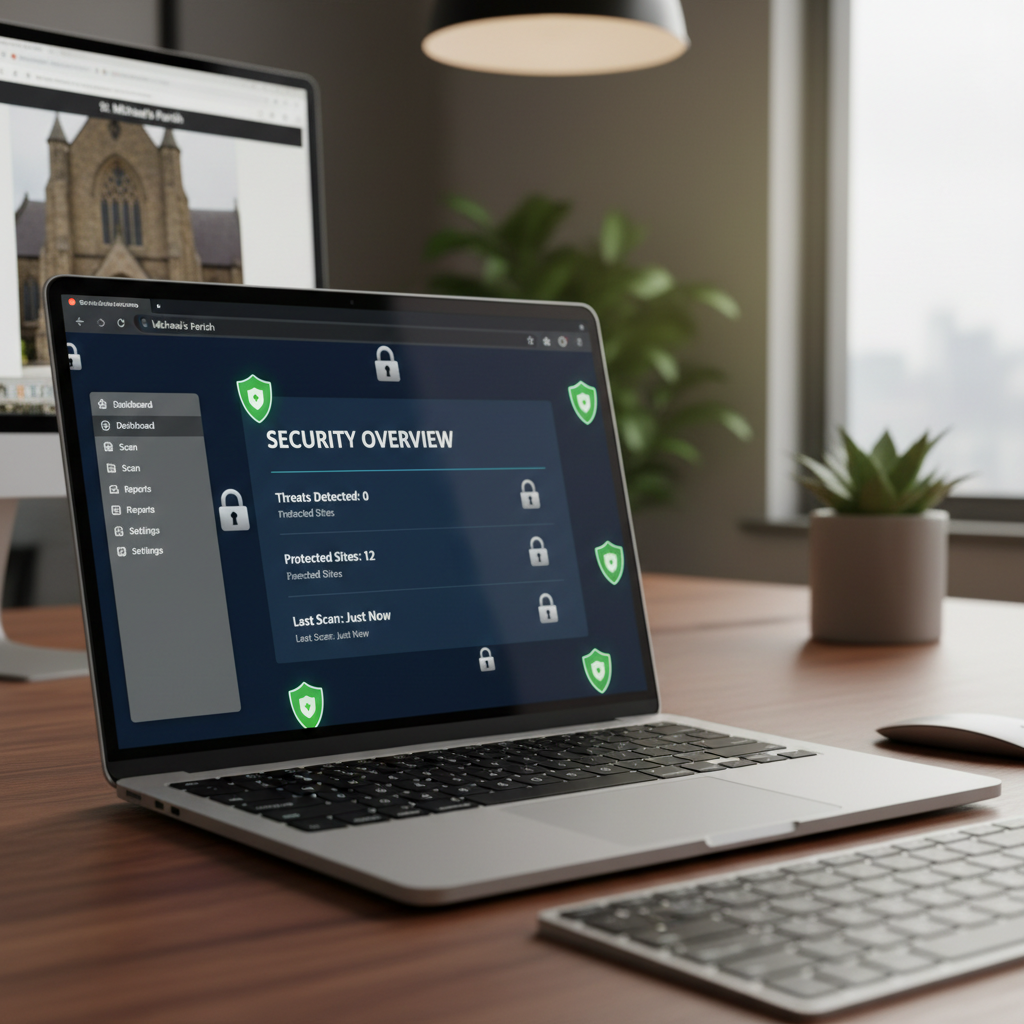
Church websites are under attack. In 2025, church websites are targeted by hackers more than ever — not because churches have valuable data, but because they're perceived as soft targets with outdated software, weak passwords, and no security plan. A hacked church website can deface your ministry's reputation, steal member data, redirect visitors to malicious sites, and get blacklisted by Google — destroying years of SEO work overnight.
In this guide, we'll walk you through everything you need to secure your church website — from the basics to advanced protection — so your digital front door stays safe for your congregation and visitors.
Your church website handles member data, prayer requests, giving transactions, and your ministry's reputation. A security breach doesn't just take your site offline — it breaks trust that took years to build.
Why Hackers Target Church Websites
Churches aren't typically targeted for their financial data — they're targeted because:
- Outdated software: Many church websites run old versions of WordPress, plugins, and themes — known vulnerabilities hackers exploit automatically
- Weak passwords: Church staff often share simple passwords — "church2024" or "jesussaves" — that hackers crack in seconds
- No security monitoring: Most churches have no firewall, no malware scanner, and no one watching for attacks
- Member data: Church websites collect names, emails, prayer requests, and sometimes giving data — valuable to identity thieves
- SEO value: Church websites often have good Google rankings — hackers inject spam links to boost their own sites, riding your SEO
- Defacement motives: Some attacks are ideologically motivated — replacing your church's content with offensive material
- Ransom: Hackers encrypt your site and demand payment to restore it
Website Security Basics: The Non-Negotiables
1. SSL Certificate (HTTPS)
An SSL certificate encrypts data between your website and visitors — preventing interception of passwords, prayer requests, and giving information. Without SSL:
- Browsers display "Not Secure" warnings that scare visitors away
- Google penalizes your search ranking — see local SEO guide
- Data transmitted through forms and giving is vulnerable to interception
SSL is now free (via Let's Encrypt) and included with every quality hosting plan. If your website URL doesn't start with "https://", fix this today. It's the most basic security essential.
2. Strong Passwords & Two-Factor Authentication
- Strong passwords: Every admin account uses a unique, complex password — not a shared team password
- Two-factor authentication (2FA): Requires a second verification (phone code) beyond the password — stops 99% of automated attacks
- Password manager: Use 1Password, LastPass, or Bitwarden — no more shared passwords in a spreadsheet
- Limited admin accounts: Not every staff member needs admin access. Give the minimum access level needed for each role
3. Keep Everything Updated
The #1 cause of church website hacks is outdated software. Hackers use automated bots that scan for known vulnerabilities in old versions of WordPress, plugins, and themes. If you're not updating, you're vulnerable.
- CMS updates: Update WordPress (or your CMS) within 48 hours of a new release
- Plugin/theme updates: Update all plugins and themes weekly — or use a managed hosting service that handles this automatically
- Remove unused plugins: Delete plugins and themes you're not using — even inactive plugins can have vulnerabilities
4. Automated Backups
If your site gets hacked, a clean backup is your recovery lifeline. Without it, you may lose your entire website — sermons, events, content, everything.
- Daily automated backups: Your hosting or management service should back up your site daily
- Off-site storage: Backups stored separately from your live site — so a hack doesn't compromise the backups too
- 30-day retention: Keep at least 30 days of backups so you can restore to a pre-hack version
- One-click restore: Test your backup restore process — a backup you can't restore is worthless
Advanced Church Website Security
1. Web Application Firewall (WAF)
A WAF blocks malicious traffic before it reaches your website — filtering out SQL injection attacks, brute force login attempts, and DDoS attacks. Services like Cloudflare, Sucuri, or Wordfence provide WAF protection for $10–$50/month.
2. Malware Scanning
Automated malware scanning checks your website daily for injected malicious code, spam links, and backdoors. If malware is detected, you're alerted immediately — before Google blacklists your site.
3. Login Protection
- Limit login attempts: Block IP addresses after 3–5 failed login attempts — stops brute force attacks
- Rename login URL: Change your login page from /wp-admin to a custom URL — reduces automated attacks
- Captcha on login: Adds a verification step that blocks bots from attempting logins
4. DNS-Level Protection
DNS-level protection (like Cloudflare) sits between your website and the internet, blocking attacks before they reach your server. It also speeds up your website by caching content globally — a security and performance win.
Securing Online Giving Transactions
If your church website processes online giving, the security stakes are even higher. Giving pages handle credit card data and bank account information — a breach here is catastrophic.
- PCI compliance: Use a giving platform that's PCI-DSS compliant — see giving platform guide
- Never store card data: Your website should never store credit card numbers — the payment processor handles all sensitive data
- Tokenization: Modern giving platforms use tokenization — replacing card data with a token that's useless to hackers
- HTTPS on giving pages: Giving pages must have SSL — no exceptions
Protecting Member Data & Privacy
Your church website collects personal data — prayer requests, contact form submissions, email signups, and member accounts. Protecting this data is both a security and a trust issue:
- Prayer requests: Store securely; don't expose publicly without permission. Many prayer requests contain sensitive health and family information.
- Contact form data: Don't email form submissions to a shared inbox where multiple people can see them. Route to a secure system.
- Member accounts: If your website has member logins, require strong passwords and 2FA for admin accounts
- Privacy policy: Have a clear privacy policy explaining what data you collect and how you use it — see our privacy policy
- Data minimization: Only collect data you actually need. Don't ask for information you don't use.
What to Do If Your Church Website Gets Hacked
If your site is hacked, act immediately:
- Step 1: Take the site offline. If visitors see malicious content, take the site down temporarily to prevent further damage.
- Step 2: Restore from backup. Restore the most recent clean backup — before the hack occurred.
- Step 3: Identify the vulnerability. How did they get in? Outdated plugin? Weak password? Close the door they used.
- Step 4: Scan for malware. Run a full malware scan to ensure no backdoors were left behind.
- Step 5: Change all passwords. Every admin, editor, and database password — the hacker may have stolen credentials.
- Step 6: Request Google review. If Google blacklisted your site, request a review through Google Search Console after cleaning.
- Step 7: Notify affected members. If member data was compromised, notify affected individuals — transparency builds trust.
Common Church Website Security Mistakes
- Shared admin passwords: "Our website password is 'faith123' — everyone uses it." This is the #1 way churches get hacked.
- No updates: Running WordPress 5.x with plugins from 2019. Automated bots exploit these vulnerabilities within hours.
- No backups: "Our host backs up automatically." Verify this. Many budget hosts don't actually back up reliably.
- Too many admins: Giving admin access to every staff member and volunteer. Limit admin accounts to 2–3 trusted people.
- No SSL: Still serving your website over HTTP in 2025. Visitors see "Not Secure" and Google penalizes your ranking.
- No firewall: No WAF means automated attacks hit your server directly. A $10/month firewall blocks 99% of them.
- Unsecured giving forms: Processing giving through an unsecured form instead of a PCI-compliant platform — see giving platforms
- No monitoring: Nobody's watching. Attacks go undetected for weeks or months until a member reports something suspicious.
Managed Security vs. DIY
- DIY security: You handle updates, backups, scanning, and firewall configuration yourself. Free — but requires technical knowledge and consistent effort. Most churches don't maintain it.
- Managed hosting: Your host handles updates, backups, and basic security. $20–$100/month. Better than DIY, but security is still your responsibility.
- Full-service management (MyChurch): Security is included in your monthly management plan — updates, backups, firewall, malware scanning, and monitoring. No technical effort required from your team.
The Church Website Security Checklist
- SSL certificate (HTTPS) installed and active
- Strong, unique passwords for all admin accounts
- Two-factor authentication enabled for admins
- CMS, plugins, and themes updated within 48 hours of release
- Daily automated backups with 30-day retention
- Web application firewall (WAF) active
- Malware scanning running daily
- Login attempt limiting enabled
- Unused plugins and themes removed
- Giving processed through PCI-compliant platform
- Privacy policy published and accessible
- Limited admin accounts (minimum necessary access)
How MyChurch Handles Website Security
At MyChurch, website security is built into every plan — not an add-on, not an extra fee. Every church website we manage includes:
- SSL certificate (HTTPS) — always included, always active
- Daily automated backups with 30-day off-site retention
- Web application firewall blocking malicious traffic 24/7
- Daily malware scanning with instant alerts
- Automatic CMS, plugin, and theme updates — we handle it, you don't worry
- Strong password enforcement and 2FA for admin accounts
- PCI-compliant giving integration — giving platforms
- Security monitoring and incident response — if something happens, we fix it
- ADA-compliant accessibility alongside security — ADA compliance
Your church website is your digital front door — and like any door, it needs a lock. Don't wait until a hack damages your ministry's reputation and breaks your congregation's trust. Secure your website today, and protect the digital ministry you've worked so hard to build.
Ready to Transform Your Church's Digital Presence?
Schedule a free consultation with our ministry technology experts and discover how a custom church app or AI-powered tools can grow your congregation.
Book Consultation →