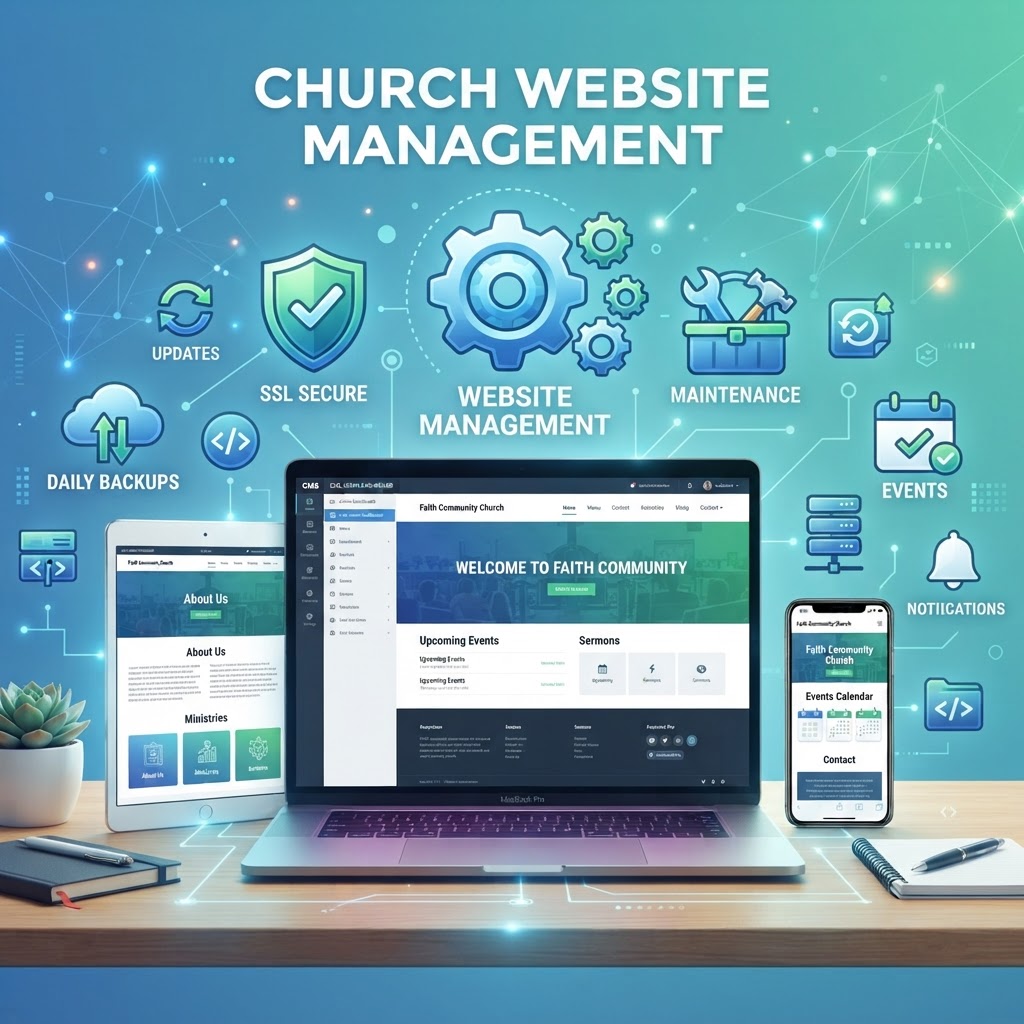
A church website isn't a "set it and forget it" project. Like any building, your website needs ongoing maintenance to stay secure, fast, and effective. Without regular maintenance, your website becomes vulnerable to hackers, slows down, drops in Google rankings, and eventually breaks — leaving visitors with a poor first impression of your church.
In this guide, we'll cover everything you need to know about church website maintenance — what to maintain, how often, why it matters, and whether to handle it yourself or use a managed service.
A church website is a living ministry tool, not a digital brochure. Without maintenance, it degrades — security vulnerabilities open up, content goes stale, and the site that once attracted visitors slowly pushes them away.
Why Church Website Maintenance Matters
Many churches invest in a beautiful website launch — then neglect it for years. Here's why that's dangerous:
- Security vulnerabilities: Outdated software is the #1 cause of website hacks — security guide
- Google ranking decline: Google penalizes slow, outdated, insecure sites — traffic guide
- Broken features: Plugins and integrations break over time — forms stop working, giving pages fail
- Poor user experience: Slow load times and broken links frustrate visitors
- Outdated content: Old service times, past events, and expired promotions make your church look inactive
- Lost mobile compatibility: New devices and browsers require updates to display correctly
- Compliance risks: ADA compliance requires ongoing attention — ADA widget
What Needs Maintenance on a Church Website?
1. Software Updates (CMS, Plugins, Themes)
The #1 maintenance task. Your website runs on a content management system (CMS) like WordPress, plus plugins and themes. Each releases regular updates that fix security vulnerabilities and bugs. If you're not updating, you're vulnerable.
- CMS updates: Update WordPress (or your CMS) within 48 hours of a new release
- Plugin updates: Update all plugins weekly
- Theme updates: Update your theme when new versions are released
- Remove unused plugins and themes: Even inactive ones can have vulnerabilities
- Test after updates: Updates can break things — always test your site after updating
2. Backups
If your site gets hacked, breaks, or a server fails, a backup is your recovery lifeline. Without it, you could lose your entire website:
- Daily automated backups: Your hosting or management service should back up daily
- Off-site storage: Backups stored separately from your live site
- 30-day retention: Keep at least 30 days of backups
- Test restores: A backup you can't restore is worthless — test it periodically
3. Security Monitoring
Website security requires ongoing vigilance — security guide:
- SSL certificate: Ensure it's active and auto-renewing
- Web Application Firewall (WAF): Blocks malicious traffic before it reaches your site
- Malware scanning: Daily scans for injected code and spam links
- Login protection: Limit login attempts, use 2FA, rename login URL
- Strong passwords: Enforce strong, unique passwords for all admin accounts
4. Content Updates
Keeping your content current signals that your church is active and engaged:
- Service times: Update for holidays, summer schedules, or special services
- Events calendar: Add new events and remove past ones — event promotion
- Sermon archive: Upload new sermons weekly — sermon audio
- Staff page: Update when staff changes occur
- Blog posts: Publish new content regularly for SEO — content strategy
- Photos: Refresh photos to show current congregation and activities
- Contact info: Ensure phone, email, and address are correct
5. Performance Optimization
A slow website drives visitors away and hurts your Google ranking — speed guide:
- Image optimization: Compress and resize images for web
- Caching: Enable page and browser caching
- Database optimization: Clean up post revisions and spam comments
- Minify CSS and JavaScript: Reduce file sizes for faster loading
- CDN: Use a Content Delivery Network to serve content globally
- Monitor load speed: Test monthly with Google PageSpeed Insights
6. SEO Monitoring
SEO isn't a one-time setup — it requires ongoing attention — local SEO:
- Google Business Profile: Update posts, photos, and respond to reviews — GBP guide
- Google Search Console: Monitor for errors, indexing issues, and keyword performance
- Google Analytics: Track traffic trends and visitor behavior
- Broken links: Scan for and fix broken internal and external links
- Meta tags: Update titles and descriptions for SEO
- New blog content: Publish monthly to keep your site fresh and ranking
7. ADA Compliance Monitoring
Accessibility isn't a one-time fix — it requires ongoing attention — ADA compliance:
- Run regular accessibility scans
- Ensure new content meets WCAG 2.1 AA standards
- Update your ADA widget — ADA services
- Add alt text to new images
- Ensure video content has captions
How Often Should You Maintain Your Church Website?
- Daily: Automated backups, security scans, malware scanning
- Weekly: Plugin and theme updates, new content publishing, event updates
- Monthly: Performance testing, SEO review, broken link scan, content refresh
- Quarterly: Full security audit, content audit, analytics review, accessibility scan
- Annually: Design review, strategic content planning, full backup test
Church Website Maintenance Cost
How much should you budget for website maintenance? It depends on your approach:
- DIY: Free — but requires technical knowledge and 4-8 hours per month. Most churches don't maintain it consistently.
- Basic managed hosting: $20-$100/month — hosting, automatic updates, basic backups
- Full-service management: $200-$500/month — everything handled: updates, backups, security, content updates, SEO, support
- One-time fixes: $100-$300/hour from a freelancer — but reactive, not proactive
Compare this to website costs — maintenance is a fraction of the cost of rebuilding a neglected site.
DIY vs. Managed Website Maintenance
Most churches start with DIY maintenance — and most churches neglect it. Here's the honest comparison:
- DIY: You handle updates, backups, and security yourself. It's free, but requires technical knowledge and consistent effort. Most church staff don't have the time or expertise, and the website slowly degrades.
- Managed hosting: Your host handles updates and backups. Better than DIY, but you still handle content updates, SEO, and security monitoring.
- Full-service management (MyChurch): Everything is handled — updates, backups, security, content updates, SEO, performance, and support. No technical effort required from your team. — management plans
Common Church Website Maintenance Mistakes
- "Set it and forget it": Launching a website and never updating it — the #1 mistake
- No backups: Assuming your host backs up automatically — verify it
- Updating without testing: Installing updates without checking if they break anything
- Ignoring security: No firewall, no malware scanning, weak passwords — security guide
- Stale content: Events from 2 years ago still on the homepage
- No performance monitoring: Site gets slower over time and nobody notices
- Neglecting SEO: No new content, no monitoring, rankings decline — SEO guide
- No mobile testing: Not checking how the site looks on phones
- Too many admins: Everyone has admin access — security risk
- No support plan: When something breaks, there's no one to call
Church Website Maintenance Checklist
- CMS, plugins, and themes updated within 48 hours of release
- Daily automated backups with 30-day off-site retention
- SSL certificate active and auto-renewing
- Web Application Firewall (WAF) active
- Daily malware scanning
- Strong passwords and 2FA for all admin accounts
- Content updated weekly (events, sermons, blog posts)
- Performance tested monthly
- SEO monitored via Search Console and Analytics
- Broken links scanned and fixed monthly
- ADA compliance scanned quarterly
- Unused plugins and themes removed
- Google Business Profile updated weekly
- Images optimized for web
How MyChurch Handles Website Maintenance
At MyChurch, website maintenance is built into every management plan — not an add-on, not an extra fee. Every church website we manage includes:
- Automatic updates: CMS, plugins, and themes — we handle it all
- Daily backups: 30-day off-site retention with one-click restore
- Security monitoring: SSL, WAF, malware scanning, and login protection — security
- Content updates: We update your events, sermons, and content — submit requests through your dashboard
- Performance optimization: Caching, image compression, and CDN
- SEO monitoring: Search Console, Analytics, and monthly content publishing — SEO services
- ADA compliance: Accessibility widget and ongoing monitoring — ADA services
- Monthly SEO blog posts: 3-5 high-ranking articles per month
- Support: Dedicated support team for any issues
- Google Business Profile management: Posts, photos, and reviews
Your church website is a ministry tool — and like any tool, it needs regular care to work effectively. Don't let your website degrade into a security risk and a poor first impression. Explore our website management plans or schedule a free consultation — let us handle the maintenance so you can focus on ministry.
Ready to Transform Your Church's Digital Presence?
Schedule a free consultation with our ministry technology experts and discover how a custom church app or AI-powered tools can grow your congregation.
Book Consultation →